SpectraLayers 13: when Spectral editing becomes more than just restoration
- Escrito por Redacción ISP Music & Producer
- Publicado en ENGLISH
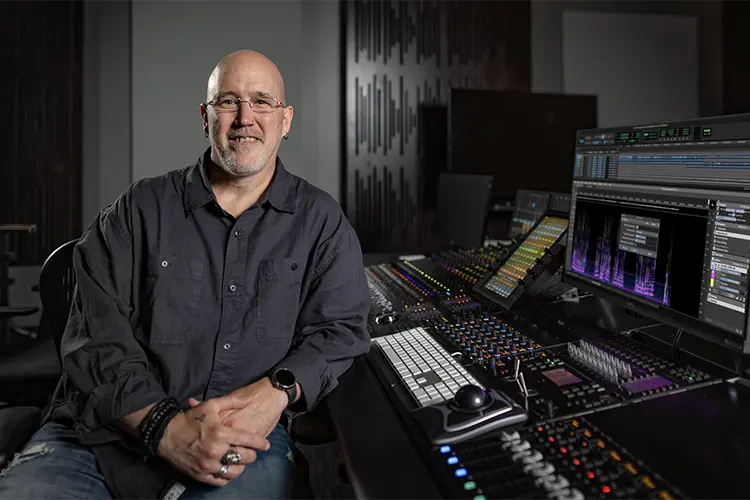
Spectral editing has evolved significantly over the last few years. What used to be a tool reserved almost exclusively for noise removal or repairing recordings has turned into a workflow environment capable of separating, reconstructing, and reshaping individual elements of a mix with astonishing precision.
With SpectraLayers 13, Steinberg continues this evolution by incorporating new features specifically geared toward post-production, audio restoration, and professional workflows, expanding editing possibilities without abandoning the visual approach that characterizes the application.
Separating effects without destroying the ambience
One of the most interesting new features is Unmix Sound Effects, an algorithm capable of isolating short sounds —such as thuds, doors, objects, or impacts— from the continuous background ambience that surrounds them.
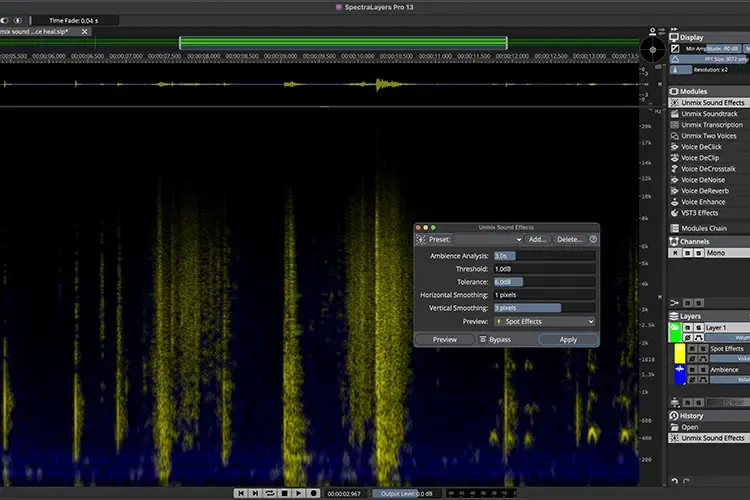
Instead of simply removing the selected content, the system preserves the original ambient texture (wind, traffic, crowd, or nature), allowing the effects to be extracted into independent layers for subsequent individual processing. For those working in film, television, or sound design, this provides a much faster way to reorganize the content of a scene.
Automatically filling spectrum gaps
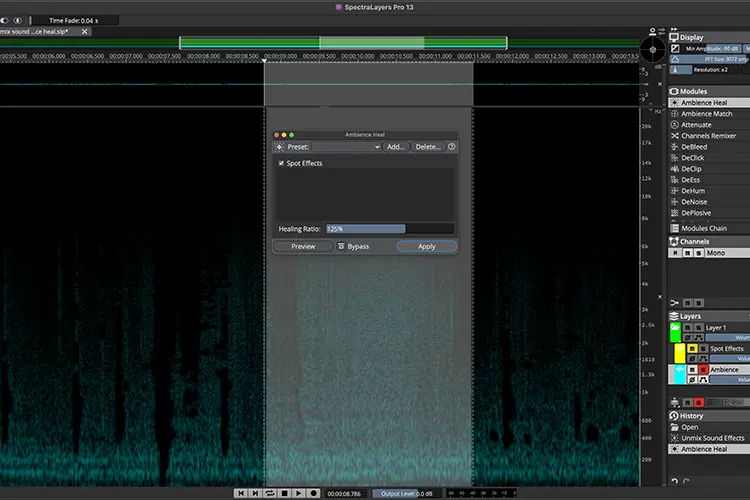
Another outstanding addition is Ambience Heal. When a voice or any other element is removed via spectral editing, a noticeable void is usually left in the recording. This new feature automatically reconstructs that space using the existing background ambience from the take, achieving much more natural results and considerably reducing subsequent manual work.
More tools for dialogue processing
Dialogue processing also receives major enhancements. Key new functions include:
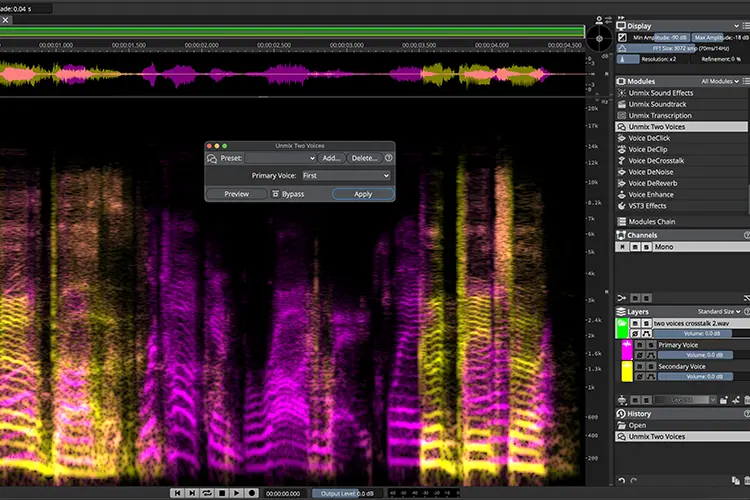
- - Unmix Two Voices, which allows for the automatic separation of two overlapping voices without the need to train profiles.
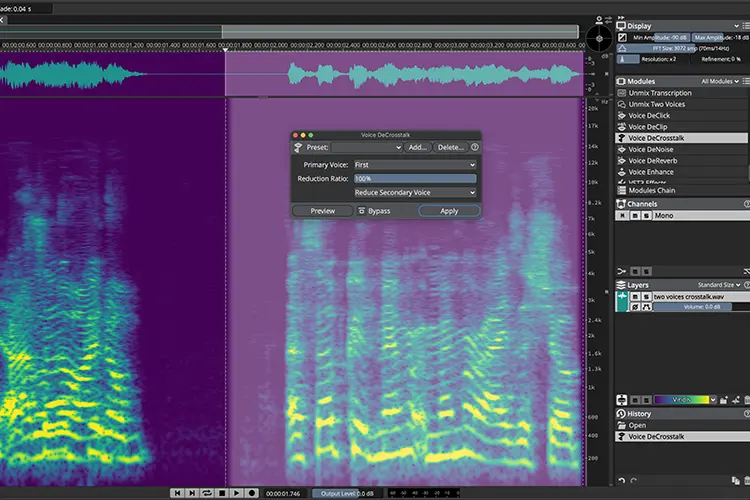
- - Voice DeCrosstalk, designed to reduce bleeding from secondary conversations or background voices interfering with the main speaker.
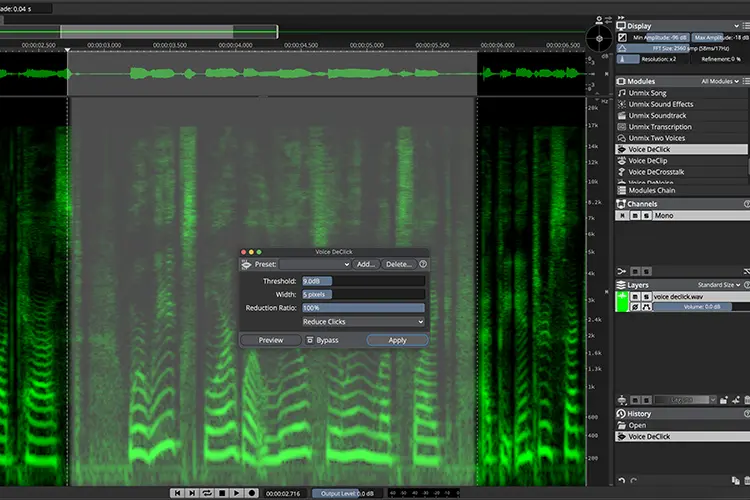
- - Voice DeClick, which eliminates lip smacks, tongue clicks, and other small, common noises in vocal recordings.
These tools are particularly useful for podcasts, dubbing, documentaries, and audiovisual production, where dialogue intelligibility is critical.
 |
 |
 |
Intelligent reconstruction of spectral content
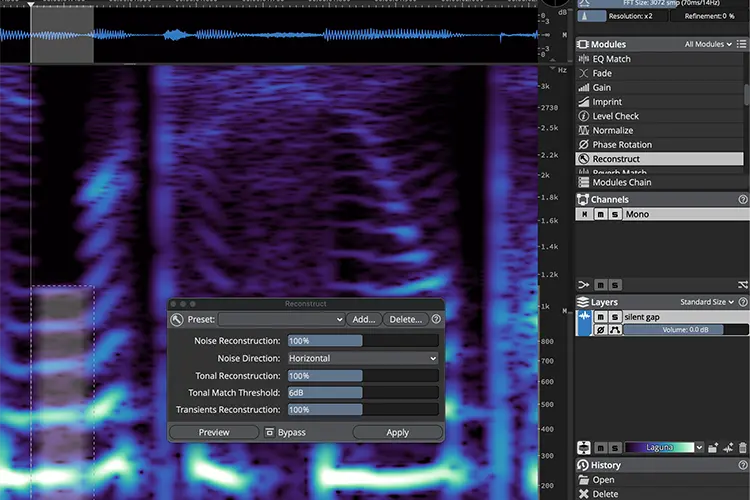
SpectraLayers 13 also introduces the new Reconstruct module, capable of re-synthesizing lost spectral information. The system allows tones, transients, and noise components to be reconstructed independently, offering highly precise control over each element. More than just a standard restoration process, it becomes a creative tool for recovering complex material or smoothing out difficult edits.
Improvements that streamline the daily workflow
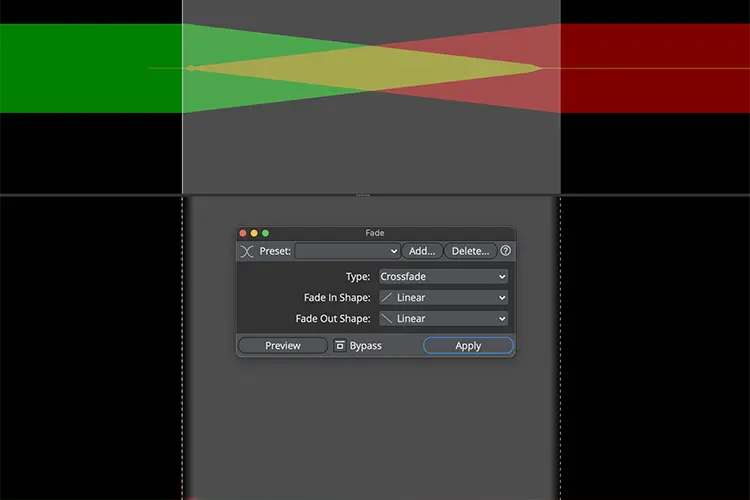
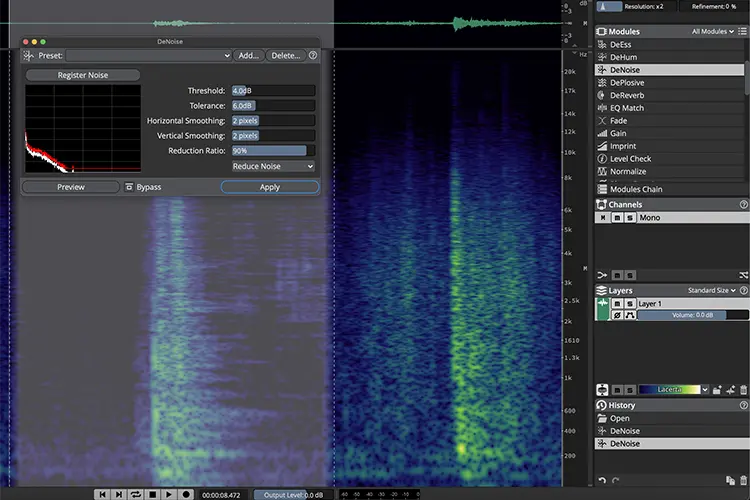
In addition to the main new features, this version introduces numerous changes aimed at accelerating workflow. These include new smart paste options, automatic loudness checking (including LUFS and True Peak measurements), batch processing across multiple projects open simultaneously, and a tighter integration with Pro Tools, featuring multi-clip editing and compatibility with Dolby Atmos and Ambisonics.
User-requested improvements have also been added, such as new selection systems, customizable keyboard shortcuts, interface configuration saving, module search tools, and new metering and visualization options.
 |
 |
One step further in spectral editing
Rather than just adding a long list of new features, SpectraLayers 13 reinforces a trend that is already solidifying in the industry: utilizing spectral editing not only to repair audio, but as a standard tool within mixing, restoration, post-production, and sound design processes.
With these new capabilities, Steinberg continues to expand a workspace environment that is playing an increasingly prominent role in professional studios and audiovisual content production workflows.