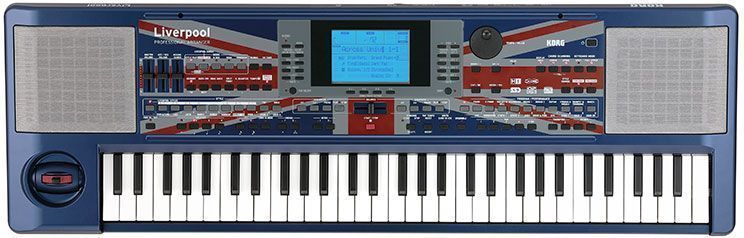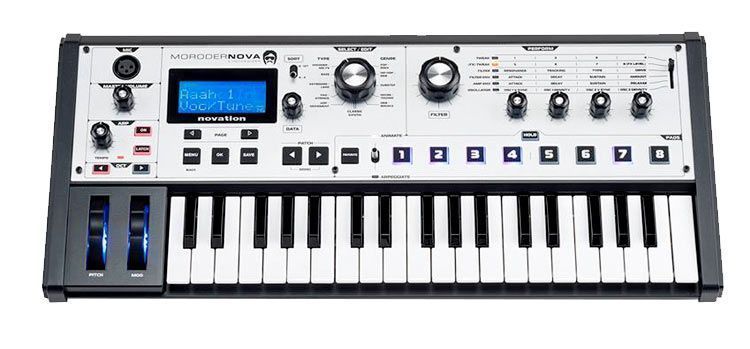
Shrinking the weight and size of keyboards is a trend that firmly took hold in 2015. Korg, Yamaha, Roland, IK Multimedia and plenty of others have released their Mini models. It seems that digital evolution, working with phones and tablets and the freedom of movement that lightweight formats provide are the key to their success.
We understand that for quick sampling work, jotting down ideas or pursuing portability, all of these formats are a big help. Still, like their counterparts from other brands, it seems that for long studio sessions and professional conditions, sizes like these can end up being uncomfortable and inadequate.
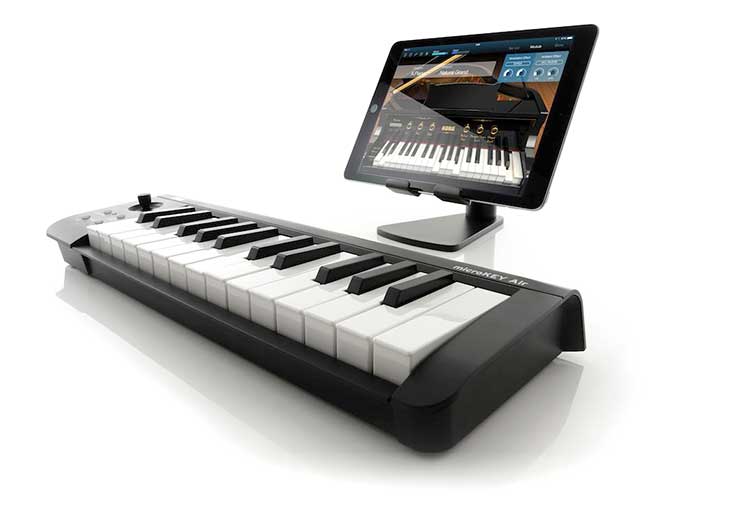
We've come to the conclusion that there is a considerable and growing segment that demands freedom and small size, and for whom these aspects come first. For them, the Korg MicroKEY Air is a strong choice because it meets all of these criteria and adds MIDI over Bluetooth, which is why you also save on cables and plug into your iPad, PC, Mac or iPhone with ease.
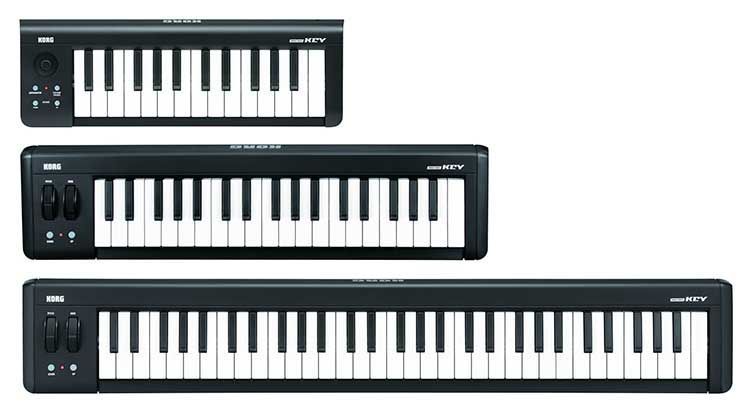
Korg's new MINI family has several compact keyboard models, with different octave ranges, weights and sizes: keyboards with 25, 37, 49 and 61 keys.
Wireless Control
One of the most attractive ways to get that longed-for freedom and tidiness is the wireless control Korg offers. These are wireless MIDI controllers.
Connect wirelessly to iPad, iPhone or Mac
The microKEY Air-37 microKEY Air-37 microKEY Air supports Bluetooth Smart “Apple Bluetooth Low Energy MIDI.” You can easily connect, without cables, to music apps for iPad/iPhone such as KORG Gadget, KORG Module and GarageBand, as well as any MIDI-compatible music production software on your Mac. Careful tuning of the Bluetooth functions delivers high stability and low latency, wirelessly.
Batteries last up to a month before needing a recharge
It's worth noting that this month figure is calculated on an average of one hour of use per day. The batteries give roughly a month of operation. And best of all, the microKEY Air runs on two AA batteries. That last part is interesting, since when the time comes you just swap the batteries and you're done.
With USB or without?
The microKEY Air can also be connected with a traditional USB cable. Since the microKEY Air is USB bus-powered, you only need a single USB cable to connect it to a Mac or Windows. There's no need to install a driver; just plug it into your computer and start playing. The second generation supports connection to iPad and iPhone. Add an Apple Lightning to USB Camera Adapter and you're all set, giving you access to apps such as KORG Gadget, KORG Module and GarageBand.
Natural Touch Mini Keyboard: compact, with a good touch feel
KORG's Natural Touch Mini keyboard has been carefully designed to ensure the best playing experience while staying compact, making it easy to play chords or quick phrases. Choose from the 25-, 37-, 49- or 61-key models, whichever best suits your playing style and specific needs.
Connect a pedal for more control
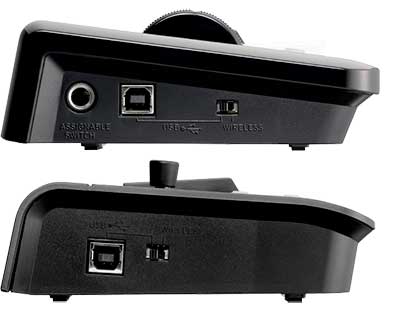 The 37-, 49- and 61-key models provide an assignable switch jack for connecting a damper pedal. The 25-key model provides a sustain button that implements the damper function. On all models, you can use the octave buttons in conjunction with the key transpose function to play the full range of MIDI notes. The 37-, 49- and 61-key models provide pitch bend and modulation wheels. The 25-key model provides a joystick that can also control pitch and modulation, as well as an arpeggiator function, for full control despite the small dimensions of this space-saving model, which offers plenty of expressive playing range.
Bundled Software
In addition to KORG Module Le for iPhone and its counterpart for iPad, we can work with:
- Korg Legacy Collection
- UVI Digital Synsations
- AAS Ultra Analog Session
- AAS Strum Session
- AAS Lounge Lizard
- Propellerhead Reason Limited
- Ableton Live (discount coupon)